On this page
Why one photo is enough to make product video ads
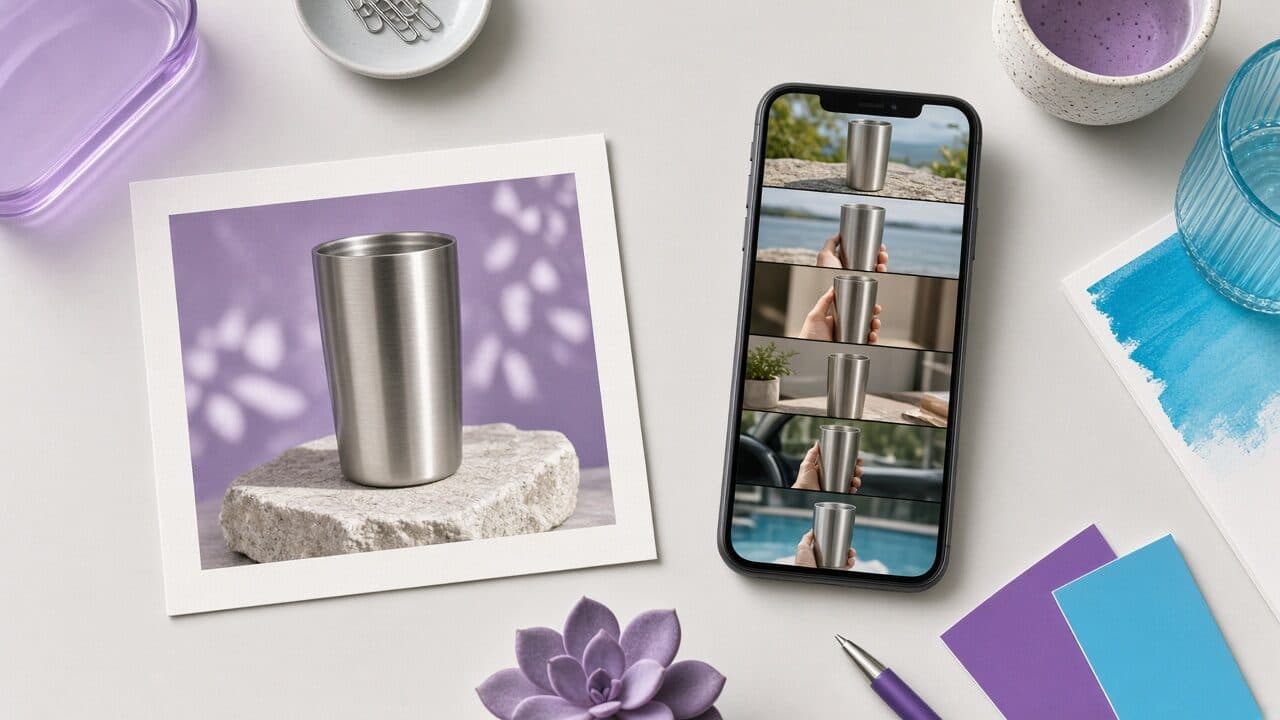
If you want to make a product video from a photo, the good news is that the photo is not the bottleneck. What shoppers respond to in a short ad is the first line of speech, a clear problem and a believable demonstration of what the product does. The image's job is simpler: show the product accurately, once, in a way the generator can place into a scene.
That is why a modern AI product video generator can start from a single still. It composes the scene, adds a presenter who holds or points to the item, drives the voice and captions from your script, and exports a vertical file. You are not replacing a film crew so much as removing the shoot from the critical path of testing.
This guide walks through the whole workflow in the order you will do it: choose the photo, write a three-beat script, set the presenter, voice and captions, export correctly, name files so your tests are readable, and launch in a way that does not waste budget.
Choose the right product photo
Pick the image where the product is easiest to recognize at a glance. On a phone, your video will be seen at roughly the size of a playing card, so label legibility and silhouette matter more than artistic composition. If a stranger cannot tell what the item is in half a second, the generator and the viewer will both struggle.
Prefer a straight-on or slightly angled shot with even lighting and a plain or softly blurred background. Busy lifestyle photos with multiple objects make it harder to isolate the product, and the result is more likely to warp edges or drop details such as a logo. Save the lifestyle shots for your product page.
Check the resolution by zooming to 100%. You do not need a studio file, but you do need crisp edges and readable text on the packaging. A sharp phone photo beats a large, soft one.
- Whole product visible with a margin on every side; no cropped corners.
- Label, logo and key features readable when zoomed in.
- Neutral, even light with no heavy color cast or hard shadows across the front.
- One product per image unless you are selling a set; bundle photos confuse the placement.
- Original color: skip filters, because mismatched color creates returns and bad reviews.
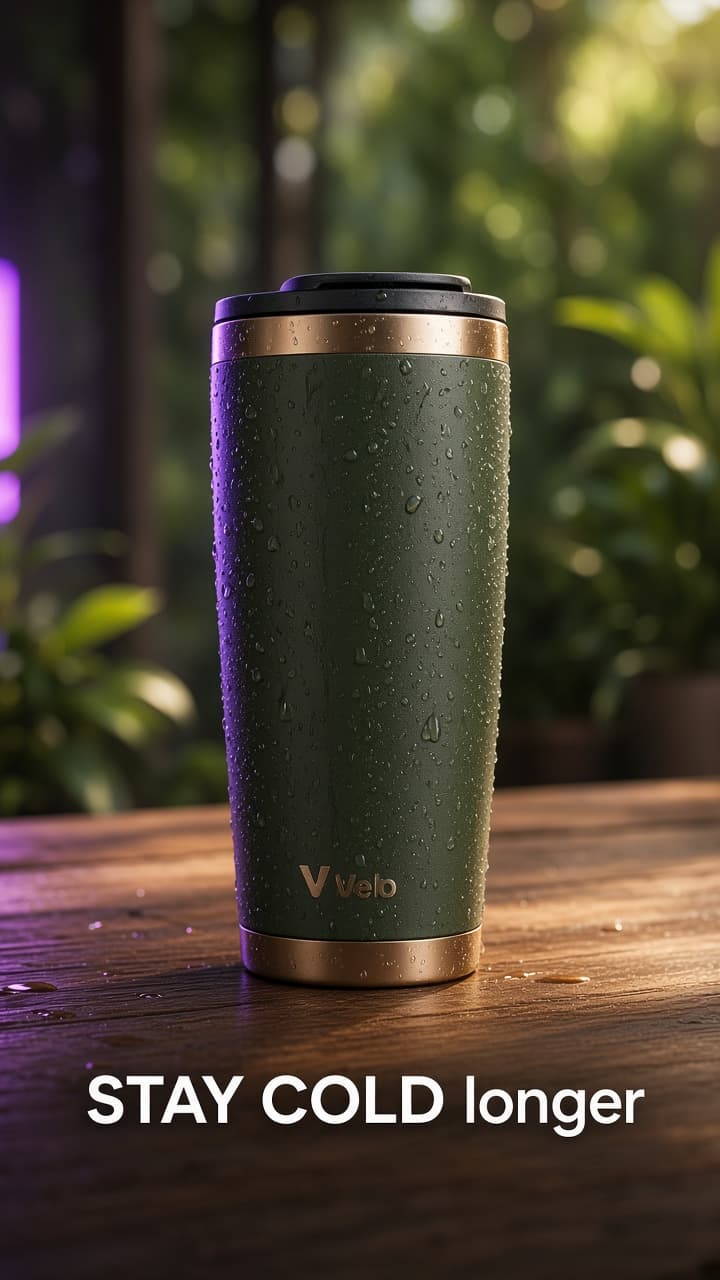
Write a three-beat script: hook, proof, call to action
Most winning short product ads are built from three beats that take about twenty to thirty seconds in total. Beat one is the hook: a single sentence that names a problem, a result or an objection, spoken in the first two seconds. Beat two is the proof: one or two concrete reasons the product delivers, tied to a feature you can show or substantiate. Beat three is the call to action: tell them exactly what to do and remove the final reason to hesitate.
Write in spoken language. Read each line out loud; if you would not say it to a friend, rewrite it. Avoid brand adjectives like “revolutionary” and “premium.” Replace them with the specific detail that earns the adjective, such as the capacity, material, what is included or how long it lasts. For more patterns, see our guide to AI product video ad scripts.
Keep one idea per video. If you have four benefits, that is four videos, not one crowded one. Each hook variant tests a different reason to buy, and you learn far more from four focused ads than one that covers everything.
- Hook (0–3s): problem, result or objection in under twelve words.
- Proof (3–20s): one main benefit with one supporting detail or comparison.
- CTA (last 3–5s): one action, plus the risk reducer such as free returns or a guarantee.
Script examples for two niches
Concrete scripts show the pattern better than rules do. Here are two, written for different product types, so you can see how the same three beats change with the category. Notice that the claims are modest and checkable, which keeps them safe to run and easy to match to a landing page.
Adapt, do not copy. Swap in your own product facts, and remember that the proof beat is where most generic scripts fall apart, because it requires you to know one real thing about the product.
Example A: insulated water bottle (about 25 seconds)
- HOOK: “My water was warm by lunch, every single day. Until I switched bottles.”
- PROOF: “This one is double-wall insulated, so cold drinks stay cold through a full workday. The lid seals fully, so it lives in my bag without leaking.”
- PROOF 2: “It fits a standard cup holder, which was my other annoyance.”
- CTA: “If you’re tired of warm water, tap Shop Now. There’s a 30-day return window if it doesn’t work for you.”
A second example: an objection hook for electronics
The second example uses a different hook type, an objection, instead of a problem. Objection hooks work well for products people have already tried to solve with something cheaper, because they speak directly to the doubt that stops the click.
In both examples the product is mentioned within the first line or two, the benefit is a feature the viewer can verify on your page, and the call to action includes a risk reducer. That pattern is the part to reuse across niches.
Example B: wireless earbuds (about 22 seconds)
- HOOK: “I thought earbuds under this price were basically junk. I was wrong about one thing.”
- PROOF: “The battery lasts through my whole commute and gym session, and the case charges them about three more times.”
- PROOF 2: “They stay in while I’m moving, which is where my old pair always failed.”
- CTA: “Link is below. If the fit isn’t right for you, returns are free.”
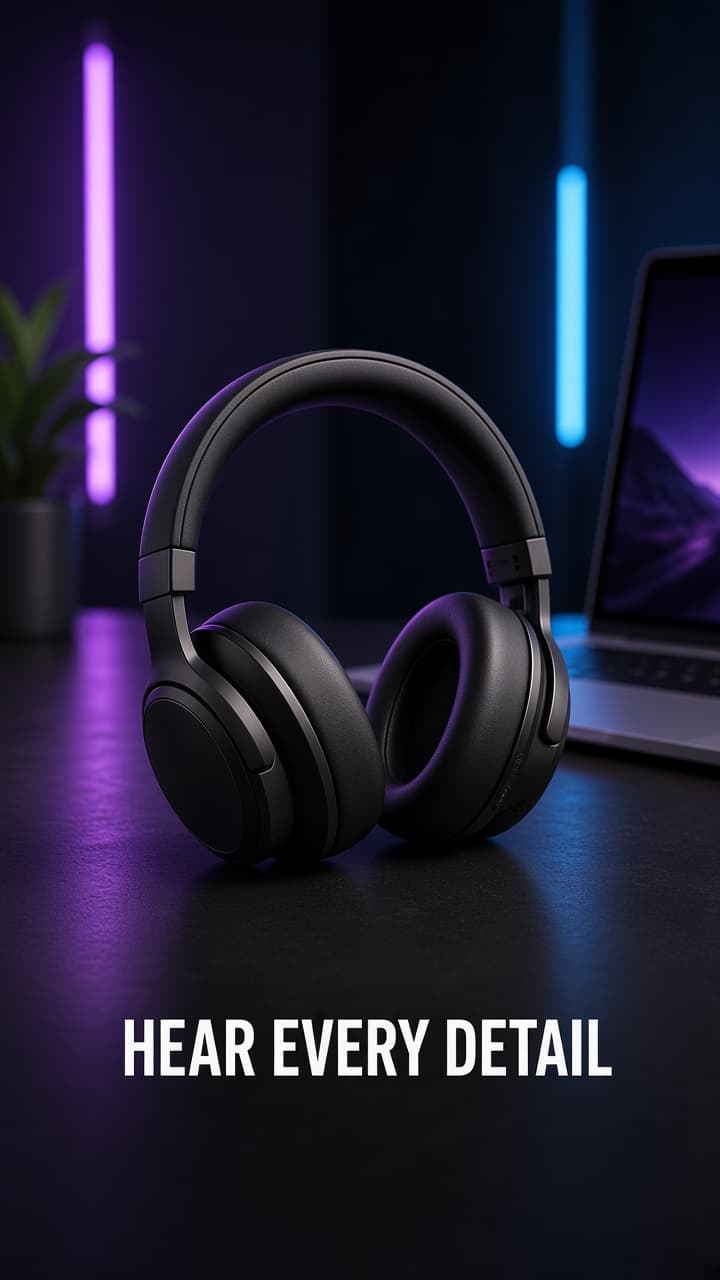
Set the presenter, voice and captions
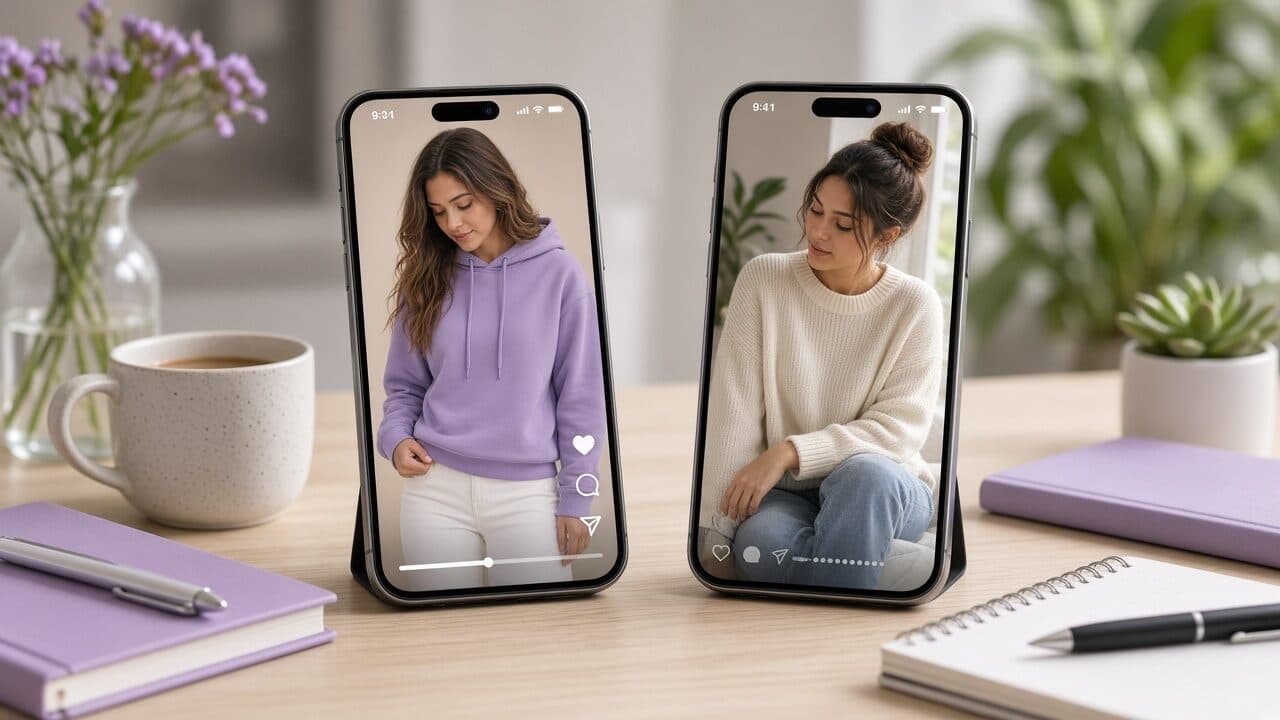
Choose the presenter for the buyer, not for yourself. Age, style and setting are audience signals, and they work in about a second. A gym setting suggests performance, a kitchen suggests everyday utility, and an outdoor setting suggests durability. Pick the one that matches where the product is used.
For voice, favor a natural pace over an energetic one. Overly bright, fast delivery is the clearest tell of synthetic speech. If the tool lets you control pacing or add pauses, add a short pause after the hook, because it gives the sentence weight and the viewer time to register it.
Captions are not optional. A large share of short-form video is watched with the sound off, so the captions carry the hook for those viewers. Use large, high-contrast text, two lines at most, and keep them inside the safe area so platform buttons and descriptions do not cover them. Highlighting one keyword per line can help the eye stay with the message.
Export specs for 9:16 product video ads
Export once, correctly, and you can reuse the file across Meta Reels and Stories placements and TikTok. The standard target is a 9:16 vertical frame, with 1080 by 1920 pixels the usual resolution, saved as MP4 with H.264 video and AAC audio. Always confirm the current specs in each platform's ad documentation before you upload.
Keep important elements away from the edges. The top and bottom portions of the frame are often covered by profile names, captions and buttons, so keep your captions and the product inside the central area. A quick test is to preview the file inside the platform's ad preview before launching. Our vertical video ads checklist covers safe zones in more detail.
Mind the file size and length. Short files upload quickly and are easier to approve. For most product ads, fifteen to thirty seconds is the sweet spot, and anything over that should justify itself with real content rather than padding.
- Aspect ratio: 9:16 vertical.
- Resolution: 1080 × 1920 is the common standard.
- Format: MP4, H.264 video, AAC audio.
- Length: 15–30 seconds for most product ads.
- Safe zone: keep captions and product away from top and bottom edges.
- No watermark and a clean first frame.
Name your files so tests stay readable
Within a week you will have a dozen versions, and unnamed files turn results into guesswork. Use a naming convention that encodes the variable you are testing. When you review performance, you should be able to read the answer from the file name alone.
Change one variable at a time. If the hook, presenter and offer all differ, you cannot attribute the result to any of them. Keep the body and CTA identical across a hook test, then keep the winning hook and vary the presenter in the next round.
Naming convention
- Pattern: product_angle_hook-id_presenter_version
- bottle_warmwater_H1-problem_f30_v1
- bottle_warmwater_H2-result_f30_v1
- bottle_warmwater_H3-objection_f30_v1
- Round 2 (winner H2): bottle_warmwater_H2-result_m30_v2 (presenter changed only)
A launch ladder that protects budget
Launch in steps rather than sending all the money at once. First, run three hook variants in a single ad set at equal budgets for a few days, long enough to see consistent early signals such as hook rate, which is the share of viewers who watch the first few seconds, and click-through rate. Cut the clear losers.
Second, take the survivor and test a second variable, either the presenter or the proof beat. Third, move the winner into your main scaling campaign and keep producing the next challenger in parallel so you are never starting from zero when it fatigues.
Decide your cutoffs before you launch, based on your own cost targets. That protects you from the temptation to keep a favorite video alive because you like it.
Common mistakes when you make a product video from a photo
The most frequent mistake is a generic hook. “Check out this amazing product” gives nobody a reason to stay. Name the problem, the result or the objection instead. The second is too many ideas in one video; the third is a mismatch between the ad and the landing page, where the ad promises one thing and the page opens on another.
Another common error is trusting the first render. Always watch the full video with the sound on and off, check that the product looks right at the end as well as the beginning, and confirm that captions match the audio. A thirty-second review can save an entire budget.
Last, many brands judge by view counts. For product ads, the numbers that matter are hook rate, click-through, cost per add-to-cart and cost per purchase, because those tell you whether the video is selling rather than entertaining.
Pre-launch checklist and your next step
Before you publish, run through this list. It takes about two minutes and catches most of the avoidable problems. Then generate your first batch: three hooks for one product, equal budget, one week of data.
If you would like a fast way to do that, VELO Shorts turns a single product photo into a 9:16 AI UGC video you can download and test. Try it on one SKU and compare it against your current best ad.
- Photo: sharp, whole product, readable label, accurate color.
- Script: hook in two seconds, one benefit, one CTA with a risk reducer.
- Presenter and setting match the buyer and the use case.
- Captions large, two lines, inside safe zones.
- Export: 9:16, MP4, no watermark.
- File named by angle and hook; only one variable changed per test.
- Landing page repeats the ad's first promise above the fold.
- Disclosure or AI label set where the platform asks for it.
FAQ
What kind of photo works best to make a product video from a photo?
A sharp, evenly lit shot of the whole product on a plain background, with the label readable and the color accurate. Avoid cluttered lifestyle scenes, heavy filters and cropped edges, since they make it harder for the generator to place the product cleanly.
How long should a product video ad be?
For most ecommerce products, fifteen to thirty seconds is a good range: long enough for a hook, one proof point and a call to action, short enough to keep attention. Go longer only when the product needs a real explanation, and make every added second earn its place.
How many versions should I test?
Start with three hook variants that share the same body and offer. That isolates the hook as the variable and keeps your budget concentrated. After a winner emerges, run a second round that changes the presenter or the proof beat.
Do I need to add music?
Not necessarily. Many viewers watch without sound, so captions and the opening line carry the message. If you add music, keep it low under the voice and use only tracks you have the license to use in ads.
Can I use the same video on Meta and TikTok?
Usually yes, since both support 9:16 video. Keep captions inside the safe area for both interfaces, and consider a different opening line for TikTok, where more native, casual phrasing tends to fit the feed better.