On this page
Why one photo is enough to start
Most small brands do not have a video problem. They have a production problem. A product page has a handful of decent photos, a cart full of intent, and an ad account that wants fresh creative every week. Booking a shoot for every SKU is not realistic, and waiting on freelancers for every variation kills testing speed.
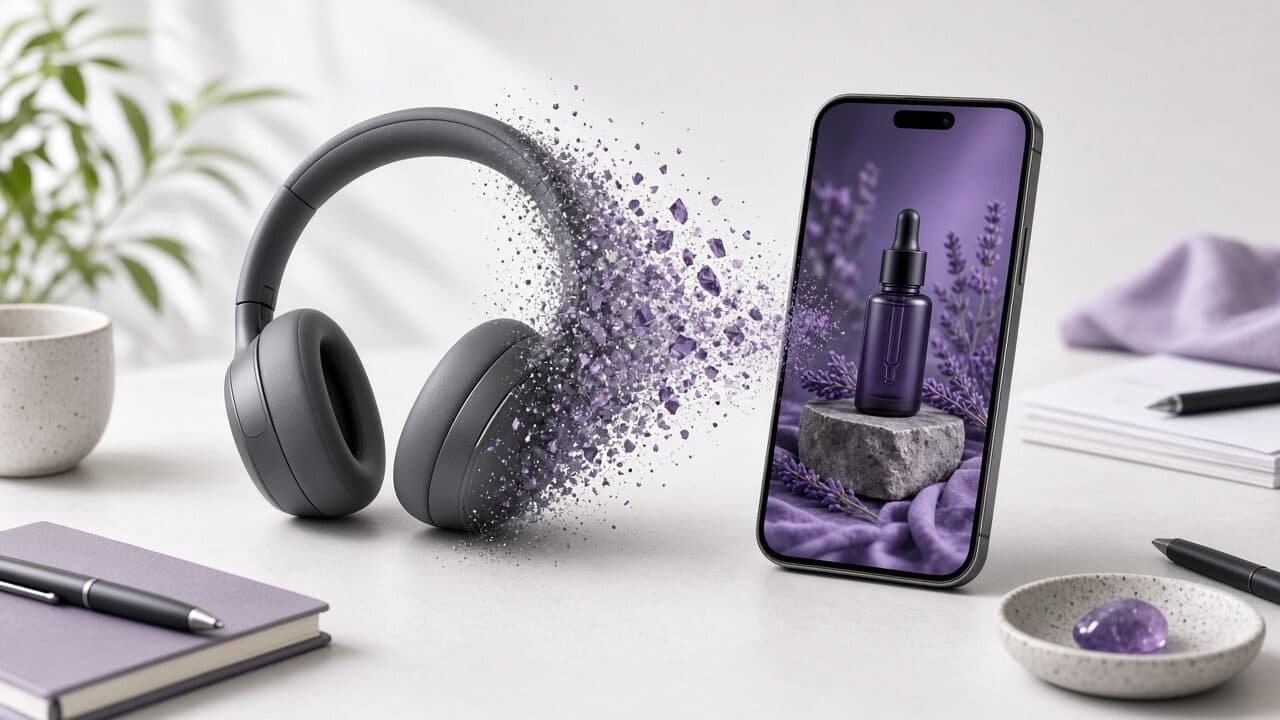
An AI product video generator closes that gap. You upload one clean product photo, add a short brief, and get a vertical video ad with motion, a voiceover or on-screen copy, and captions. It will not replace a full brand film. It will give you something real to run, measure, and improve by the end of the afternoon.
This guide is written from the operator side: what to feed the tool, how to structure the ad, how to export for Meta and TikTok, how to test from a single photo, and where AI is the wrong choice. If your goal is product photo to video ads that you can ship repeatedly, treat this as a working process rather than a feature tour. For a shorter walkthrough of the core steps, see how to make product video ads from one photo.
What an AI product video generator actually does
Under the hood, an AI product video generator chains a few jobs together. It reads your photo and brief, writes a short script, generates or selects motion for the product, adds a voice or text overlay, lays in captions, and renders a file in the right aspect ratio. Good tools let you edit each of those steps instead of hiding them.
The practical output is a product video from photo that looks like a short ad rather than a slideshow. Think slow push-ins, parallax between product and background, a hook line in the first second, and a closing line with a clear next step.
- Takes a still image and a text brief as input.
- Drafts a script around a hook, a proof point, and a call to action.
- Adds motion, voiceover or text, and burned-in captions.
- Exports a 9:16 file you can upload straight into ad managers.
- Lets you regenerate one part (hook, voice, scene) without redoing the rest.
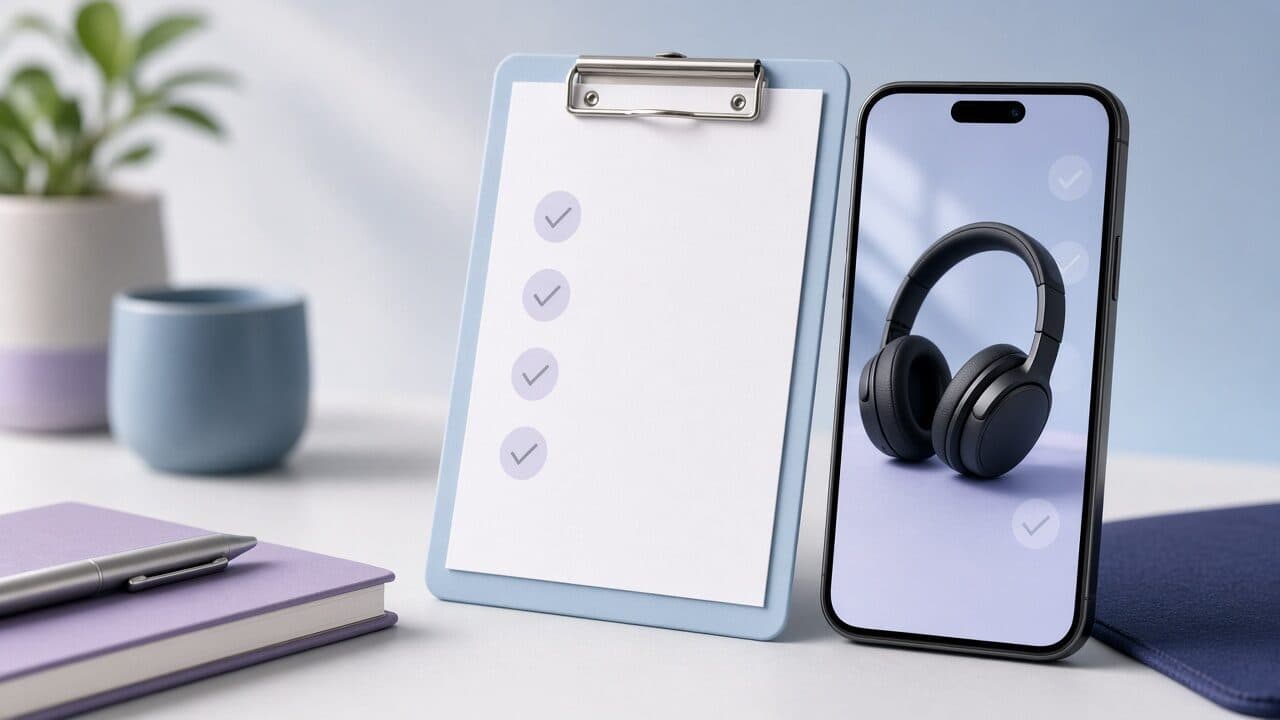
Photo requirements for a product video from photo
The quality of the AI product video is capped by the quality of the photo. Motion generation amplifies whatever is in the frame, including clutter, glare, and cropped edges. Spend five minutes choosing the right source image and you will save an hour of regenerations.
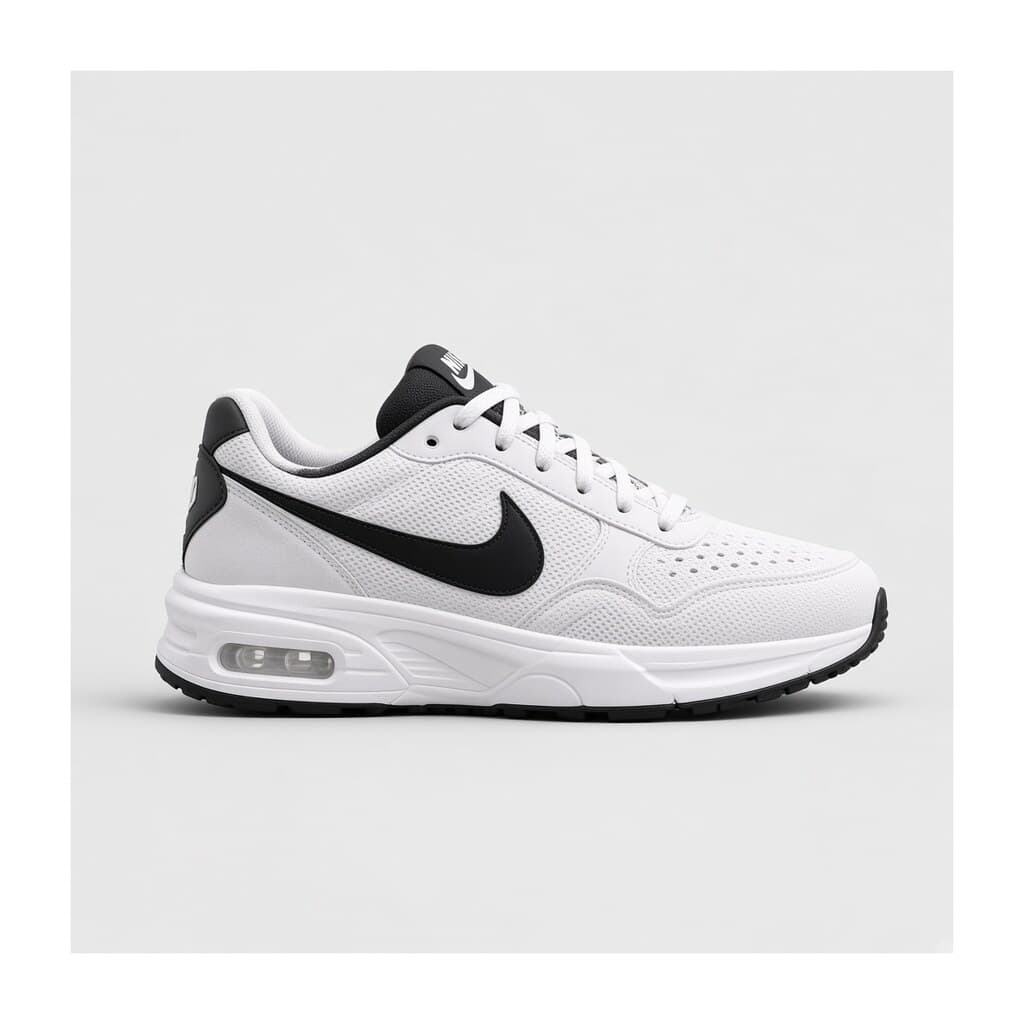
Aim for a sharp, well-lit image where the product is the obvious subject. Leave breathing room around it: if the product touches the frame edge, any push-in or reframe to 9:16 will cut it off. A plain or softly textured background gives the tool room to add depth without inventing strange objects.
- Resolution: at least 1500 px on the short side; larger is safer for crops.
- Product fills roughly half to two-thirds of the frame, centered or on a clear third.
- No harsh reflections on logos, screens, or labels you need readable.
- Real colors: skip heavy filters so the video matches what arrives in the box.
- Clean edges: a cutout or simple backdrop beats a busy lifestyle scene for the first pass.
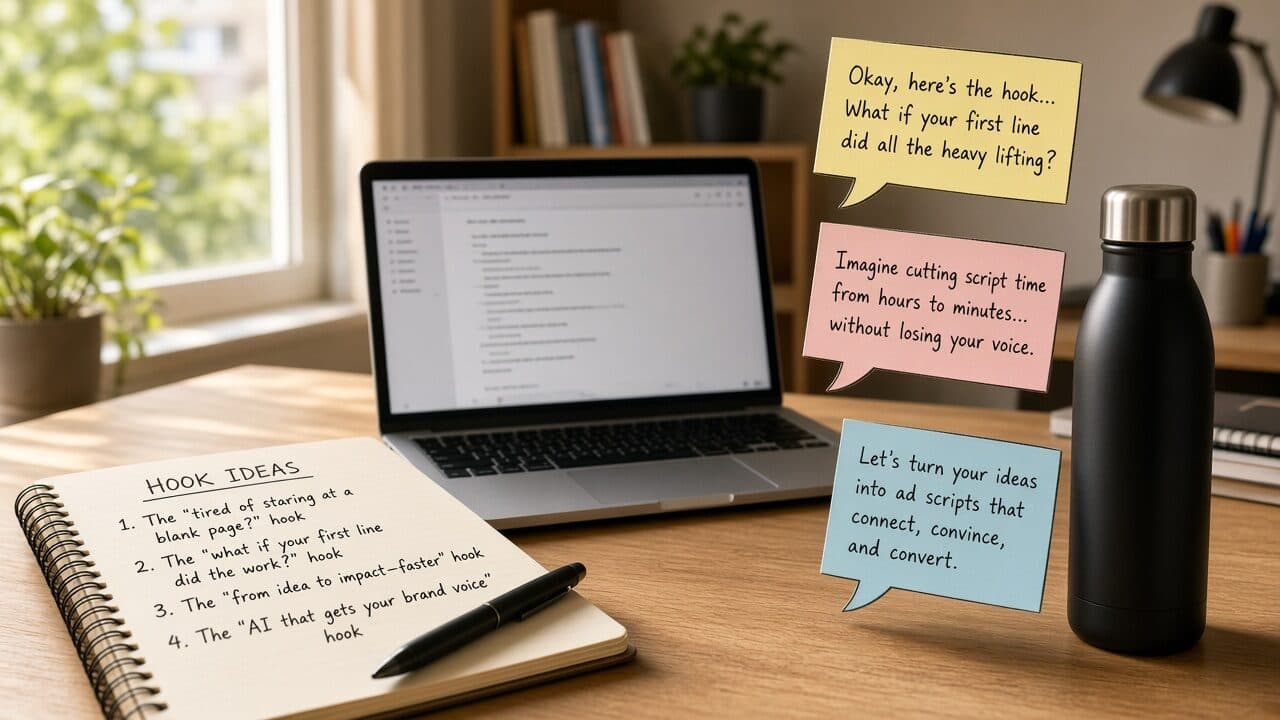
Script frameworks that work for product video ads
A product ad has about two seconds to earn the next five. That is why script structure matters more than visual polish. You do not need a clever concept; you need a repeatable frame you can swap product details into. If you want more examples beyond the three below, our guide to AI product video ad scripts has additional templates.
Three frameworks cover most catalogs. Problem, fix, proof works for products that solve an annoyance. Before and after works when the change is visible. Single feature spotlight works for simple, giftable, or impulse items where one detail does the selling.
- Problem, fix, proof: name the annoyance, show the product as the fix, close with one concrete proof point (material, guarantee, review quote you actually have).
- Before and after: open on the frustrating state, cut to the product in use, end on the result.
- Feature spotlight: lead with the single detail people ask about most, repeat it once, finish with the offer.
Example 1: Problem, fix, proof script for an insulated bottle
- Hook (0-2s): "Your coffee is cold by 10 a.m. Again."
- Fix (2-8s): "This double-wall bottle keeps drinks hot through the morning commute and your first two meetings."
- Proof (8-16s): "Stainless steel, leak-tested lid, fits a standard cup holder."
- CTA (16-20s): "Grab yours today. Link below."
- On-screen text: HOT TILL NOON / FITS CUP HOLDERS / SHOP NOW
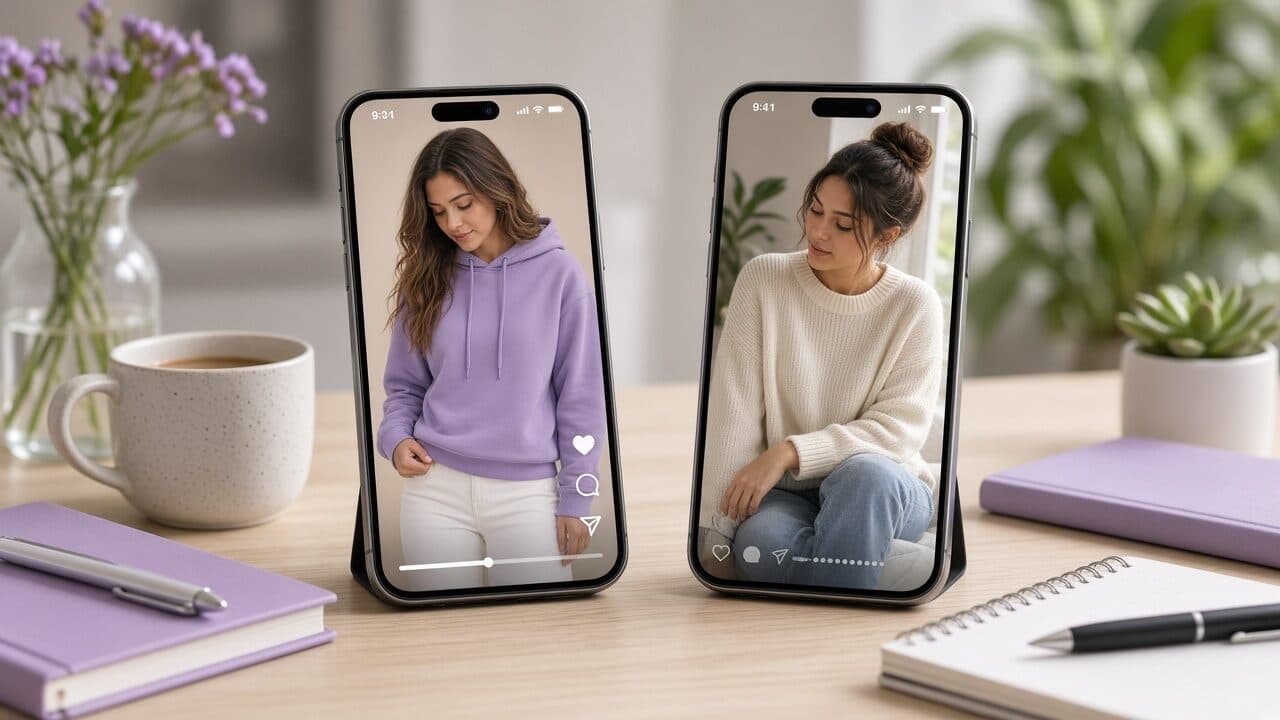
9:16 export: framing for vertical product video ads
Vertical is the default canvas for Reels, Stories, TikTok, and Shorts, so your AI product video generator should export 9:16 natively rather than cropping a square or landscape file after the fact. Native vertical keeps the product large and the captions readable on a phone held at arm's length.
Mind the safe zones. Platform UI covers the top and bottom of the frame: profile and sound controls at the bottom, buttons along the right edge. Keep the product, hook text, and captions inside the central area, and avoid putting key copy in the bottom fifth. Our vertical video ads checklist covers the full set of framing and export checks.
- 1080 x 1920, 9:16, MP4 with H.264 video and AAC audio.
- Product and hook text stay clear of the top and bottom edges.
- Hook text appears within the first second and stays on screen long enough to read twice.
- Check the export on an actual phone before uploading, not just a desktop preview.
Using photo-based video on Meta and TikTok
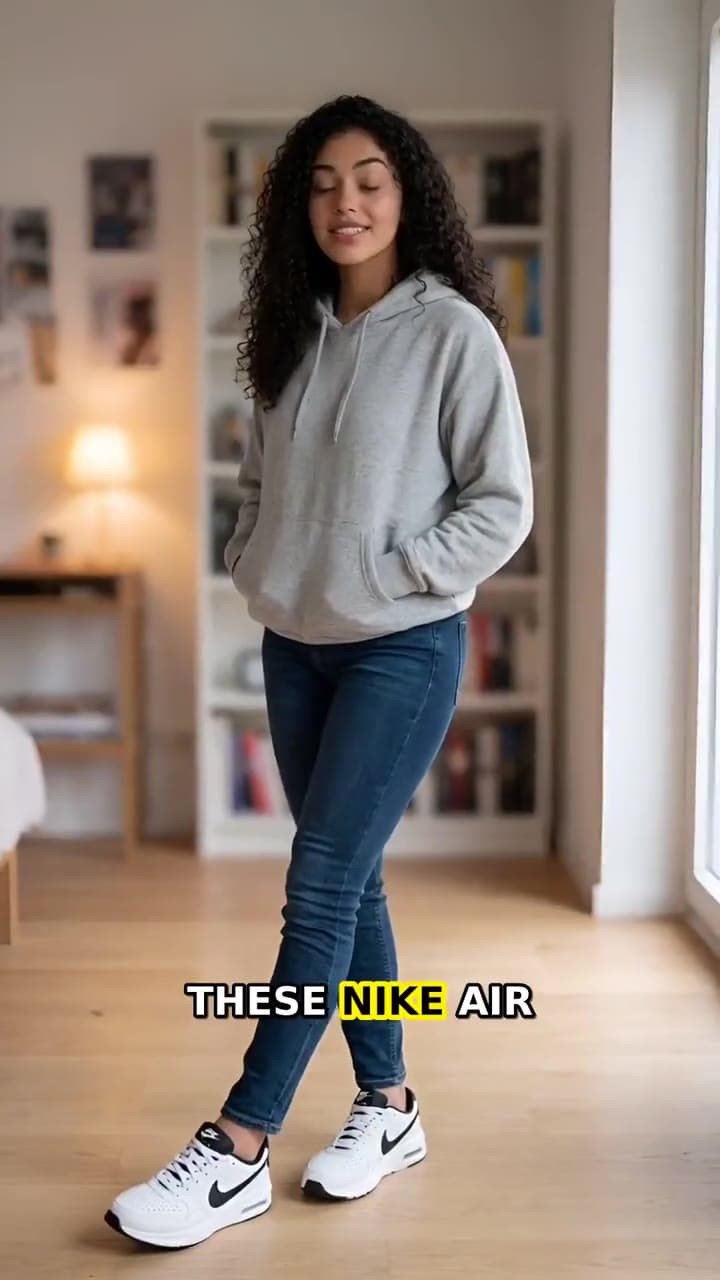
The same file can run on both platforms, but the way people watch is different, so adjust the framing around it. Meta placements tend to reward clear offers and direct language. TikTok placements tend to reward native-feeling pacing and a hook that sounds like a person, not a brand.
On Meta, upload one 9:16 file for Reels and Stories placements and let the platform handle the rest, then add a separate 1:1 or 4:5 variant only if you see feed placements pulling spend. On TikTok, keep the opening line conversational and avoid logos or heavy branding in the first second.
- Meta: direct hook, offer visible by the middle of the video, clear call-to-action button.
- TikTok: conversational hook, faster cuts, captions on from the first frame.
- Both: sound-off friendly, product visible within one second, no waiting for the reveal.
- Check each platform's current ad policies for claims, before-and-after content, and health or finance wording.
Testing from one photo: variations that actually differ
One photo does not mean one ad. The advantage of generating product video ads quickly is that you can test the message, not just the image. Change one variable at a time so you can tell what moved the result.
Start with hooks, because they decide whether anyone watches. Generate three to five versions of the first line, keep everything else fixed, and run them against the same audience with equal budget. Once a hook wins, test the angle: price, convenience, quality, or gifting. After that, test voice, pacing, and CTA.
Example 2: Five hook tests from one sneaker photo
- A (problem): "Your sneakers shouldn't feel heavy by noon."
- B (benefit): "Lightweight enough to forget you're wearing them."
- C (social): "The pair people keep asking about at the office."
- D (offer): "Free shipping on your first pair this week."
- E (curiosity): "We changed one thing about the everyday sneaker."
- Keep constant: same photo, same motion, same voice, same CTA. Judge by hold rate first, then cost per purchase.
Captions: the part most product ads get wrong
A large share of short video gets watched with the sound off in public places, so captions are part of the ad, not an accessibility afterthought. They also keep viewers anchored when the voiceover is a little flat.
Use short lines, two at most on screen, and break them at natural phrases instead of mid-thought. Highlight one or two key words, such as the benefit or the price, rather than animating every word. Make sure the font is bold enough to read over a light product shot.
- Maximum two lines, roughly 30 to 40 characters per line.
- Verify spelling of brand names, sizes, and numbers.
- High contrast: add a subtle shadow or background strip over light areas.
Quality checks before you spend a dollar
Every AI product video needs a human review pass. Most failures are small and easy to catch if you watch the file twice, once with sound and once muted.
The biggest risk is product fidelity. Check that logos, text on packaging, buttons, stitching, and proportions look the same as the real item. If the motion warps the product or invents a feature, regenerate or choose a different photo. A video that misrepresents what ships creates refunds and chargebacks, which cost more than any production savings.
Then check the claims. Everything said in the voiceover or shown on screen should be something you can support: materials, dimensions, shipping times, guarantees. Remove anything you would not want to explain to a customer service agent.
- Product shape, color, and logo match the real item across the whole clip.
- No extra fingers, melting edges, or objects that were not in the photo.
- Hook is readable within the first second.
- Voiceover pronounces brand and product names correctly.
- Every claim is true, specific, and supportable.
- Final frame has a clear CTA and stays on screen long enough to act on.
When not to use AI for product video
AI is a speed tool, not a universal answer. Some products and situations need real footage, and pretending otherwise burns trust.
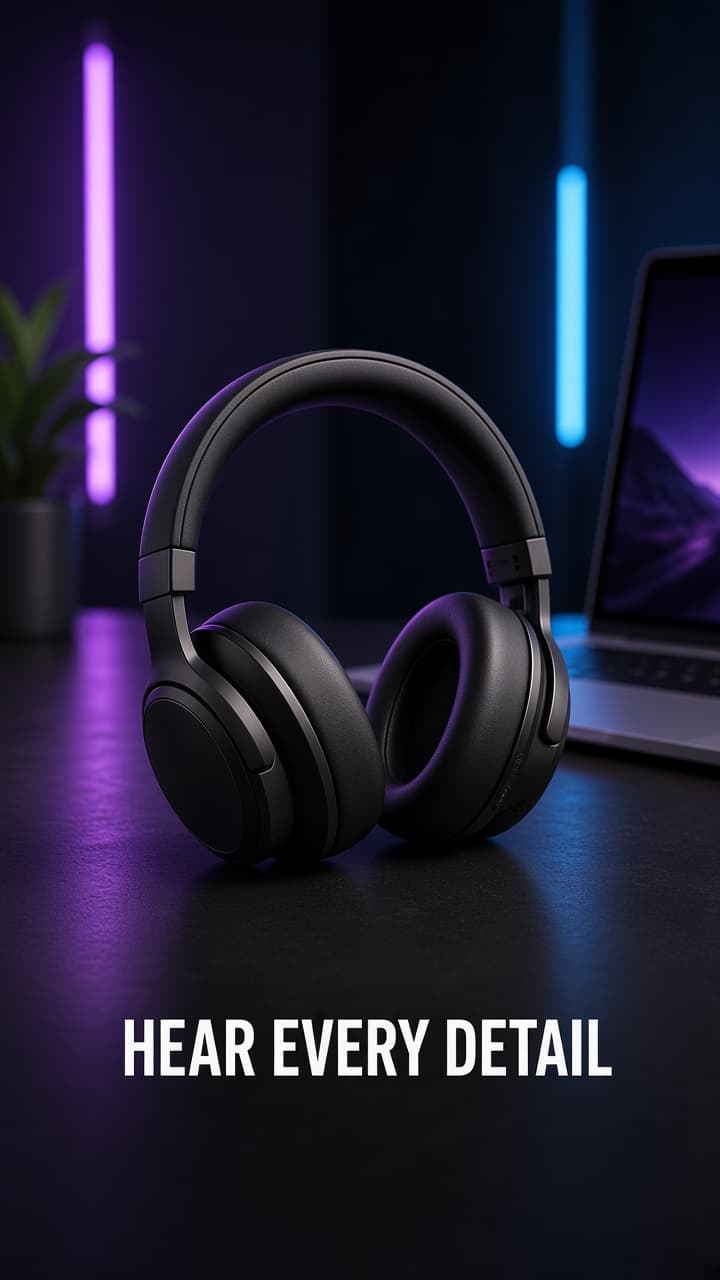
Skip it when the product's value depends on seeing it work: fit and drape for apparel, texture for cosmetics, how a gadget behaves in the hand. A generated clip cannot prove those things, and buyers who feel misled will tell you in the returns queue. Skip it for regulated claims, testimonials from real customers, and anything where authenticity is the pitch. If creator-style delivery is what you need, read our guide to AI UGC ads for ecommerce to see where it fits.
- Fit-critical or texture-critical products where real footage is the proof.
- Testimonials and reviews that must come from actual customers.
- Health, finance, or other categories with strict advertising rules.
A workflow for Shopify catalogs
If you run a store with dozens or hundreds of products, treat the AI product video generator as a production line, not a one-off. The goal is consistent output with a short review loop.
Start by ranking products by margin and traffic, then process the top ten before touching the long tail. Export the primary photo from each product page, choose the best angle, and write a one-line brief: who it is for, the main benefit, and the offer if there is one. Generate two script variants per product and review them in a batch so quality checks become routine.
- Rank SKUs by margin and traffic; start with the top ten.
- Pull the cleanest photo from each product page and note the best angle.
- Write a three-part brief: audience, main benefit, offer.
- Generate two script variants and review the batch together.
- Use a consistent file naming pattern that includes handle and hook.
- Run winners as ads and add them to the product page.
Common mistakes with product photo to video ads
Most weak results trace back to a short list of avoidable errors. None of them are about the tool; they are about process.
The most expensive one is skipping the test plan. Publishing a single video and judging the whole approach on it tells you almost nothing. The second is overloading the script: one ad, one message. If you try to cover price, quality, shipping, and sustainability in 20 seconds, none of it lands.
- Using a low-resolution or cluttered photo and hoping motion fixes it.
- Running one video and calling the result final.
- Packing several messages into one short ad.
- Generic hooks that name no product, audience, or benefit.
- Ignoring safe zones so captions get covered by platform UI.
- Making claims you cannot back up.
- Sending traffic to a page that does not match the ad.
Where VELO Shorts fits in
VELO Shorts is built for this exact workflow. You bring a product photo and a short brief, and it handles the script, motion, voice, captions, and 9:16 export, with each piece editable so you can iterate on the hook without starting over.
If you are curious, pick one product from your catalog, use the checklist above to choose the photo, and generate a few hook variants at veloshorts.app. Review them the way you would review any ad: against the real product, with claims you can support. Keep what earns its spend and drop the rest.
FAQ
What is an AI product video generator?
It is a tool that turns a product photo and a short brief into a finished video ad. It typically writes a script, adds motion to the image, applies a voiceover or on-screen text, burns in captions, and exports a vertical file ready for ad platforms. You still review and approve the result.
Can I really make a product video from one photo?
Yes, for many products. A sharp, well-lit photo with the product clearly framed is enough for motion, text, and captions. Results depend heavily on the source image, so choose the cleanest angle, and keep a second photo ready if the first animates poorly.
What format should I export for Meta and TikTok?
Export 9:16 at 1080 by 1920 as an MP4. Keep key text and the product away from the top and bottom edges so platform buttons do not cover them, and check the file on a real phone before uploading.
How many ad variations should I test from one photo?
Start with three to five hook variations while keeping the photo, motion, voice, and call to action the same. Once one hook wins, test the angle, then voice and pacing. Changing one variable at a time is what makes the results readable.
When should I use real footage instead of AI?
Use real footage when buyers need to see fit, texture, or how the product works, when you are showing genuine customer testimonials, or when you are in a regulated category. A common approach is to use AI for testing and catalog coverage, then shoot live video for proven winners.