On this page
What an AI UGC video generator actually is
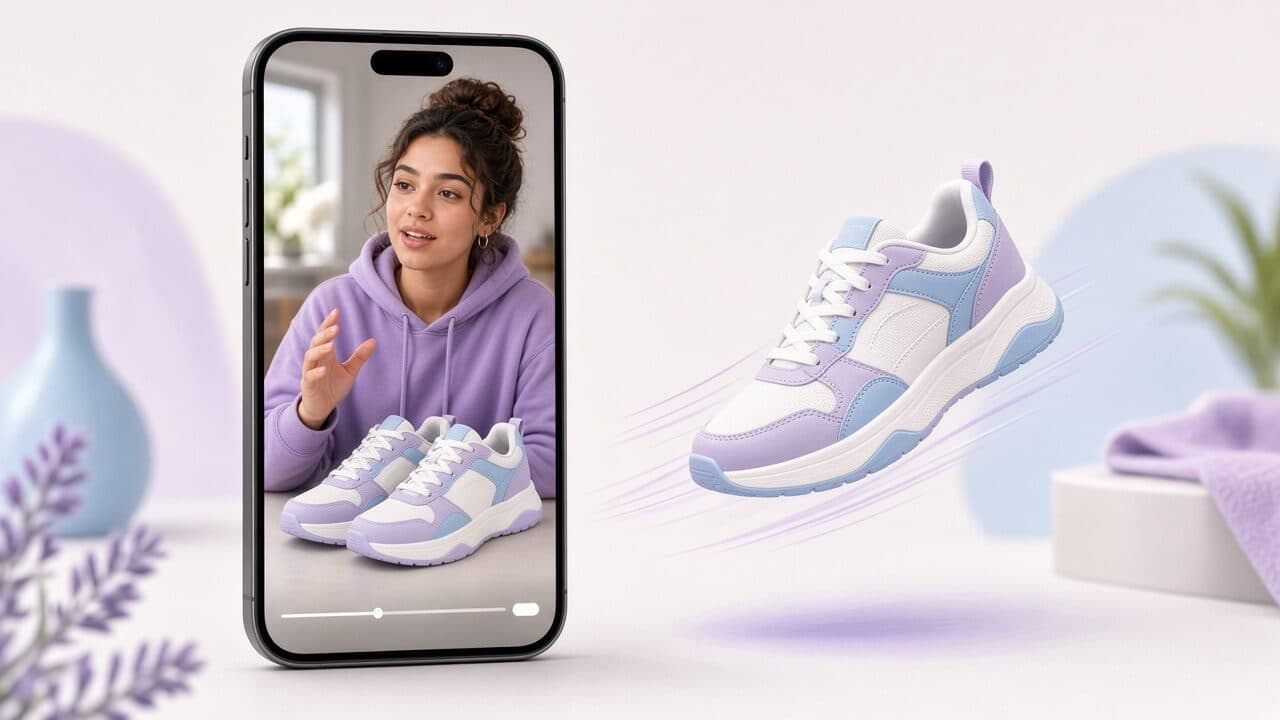
An AI UGC video generator is software that produces short, vertical, creator-style videos without a human filming them. You supply a product image and a short brief, and the tool returns a video of a synthetic presenter talking about the product, with a voice, burned-in captions and a call to action. The result is meant to resemble user-generated content: someone holding or wearing the product and talking to the camera in the rhythm of a TikTok or Reel.
The key word is “style.” The video is not user-generated in the literal sense. Nobody bought the product and filmed their honest reaction. What the generator reproduces is the format that performs in short-form feeds: direct address, a hook in the first second, casual delivery, and text on screen. That distinction matters later when we get to disclosure and claims.
For ecommerce brands, the practical value is supply. Paid social punishes creative fatigue, and most stores cannot produce ten fresh videos a week through creator outreach. An AI UGC generator turns video from a project into a repeatable task, so testing speed is limited by your ideas rather than by shipping samples and waiting on edits. Our AI UGC ads page shows what that looks like in practice.
How the pipeline works, step by step
Different tools package it differently, but nearly every AI UGC pipeline runs the same six stages. Knowing them helps you diagnose bad output, because each stage fails in its own recognizable way.
When a video looks wrong, find the stage that caused it before you regenerate everything. Regenerating blindly burns time; fixing the actual input usually fixes the output in one pass.
- Product input: a photo or product page data. Clean edges, good lighting and an uncluttered background matter more than resolution. Bad input shows up as a product that looks warped or floats in the frame.
- Script generation: the tool drafts a hook, a body and a call to action from your title and benefits, or you paste your own. Weak scripts sound generic because the brief was generic.
- Presenter selection: you pick a synthetic person, setting and styling. This sets the audience signal, so a gym presenter selling a supplement reads differently from a kitchen presenter.
- Voice synthesis: text becomes speech. Pacing and emphasis here decide whether the clip feels human or robotic.
- Lip-sync and compositing: the voice drives the face, and the product is placed into the scene. Mouth sync errors and product jitter are the most visible failure points.
- Captions and export: timed captions are burned in and the clip is rendered at 9:16, ready for Ads Manager or TikTok.
Brand film vs creator UGC vs AI UGC: how they compare
Four formats compete for the same budget, and they solve different problems. Treating them as interchangeable is how brands end up spending creator money on a test or brand-film money on a feed ad.
A traditional brand film optimizes for control: lighting, script approval, talent and a finished look. It earns its cost on homepages, retail partners and big launches. In the feed it tends to read as an ad immediately, which is the thing people scroll past.
Creator UGC optimizes for credibility. A real person with an audience, a real home and real reactions carries social proof that no synthetic presenter can. The tradeoffs are lead time, shipping, usage rights, inconsistent quality and a cost that scales linearly with every asset you want.
AI UGC optimizes for volume and iteration. You give up the named-human credibility and gain the ability to produce many hook variants for a SKU on the same afternoon at a flat cost. It is a testing engine first. Most mature accounts end up running AI UGC for always-on testing and reserving creators for the angles that already proved themselves.
- Brand film: highest control, slowest, best for owned channels and retail.
- Creator UGC: highest credibility, variable quality, cost and timing per asset.
- AI UGC: fastest iteration, flat cost, limited to what a synthetic presenter can credibly show.
- Hybrid: use AI to find winning angles, then brief creators on those angles.
When an AI UGC video generator is the right tool
The best use cases share one trait: you need many cheap shots at the same target, and no single video needs to be perfect. Hook testing is the clearest example. If you suspect that leading with price, a problem, or a result will change click-through, you need four or five versions of the opening line, and producing those with creators is slow and expensive.
Catalog coverage is the second. A store with fifty SKUs cannot film each one with a creator. AI UGC lets you give every product that has traffic at least one native-feeling video, which is often enough to lift products that were running on static images alone.
Third is creative refresh. When a winning ad starts to fatigue, the fastest fix is a new opening and a new presenter with the same offer and body. That is hours of work with AI and weeks with creators.
When AI UGC is the wrong choice
Be honest about the limits, because ads that overreach fail loudly. Anything that depends on demonstrating a physical result, such as a cleaning product removing a stain, a pan searing evenly, or a garment's fit on a real body, is better shown by a real person or real footage. A synthetic presenter cannot honestly prove it.
Regulated categories need extra care. Health, supplements, finance and anything with before-and-after claims should go through review regardless of how the video was made, and a synthetic person delivering a testimonial-style claim they never experienced is a risky pattern. Keep the presenter informing, not testifying.
Finally, if your offer or landing page is weak, no amount of creative will rescue it. AI UGC multiplies the number of experiments you can run; it does not make a poor product page convert.
A briefing checklist that produces usable videos
Most disappointing AI videos trace back to a thin brief. The generator can only be as specific as your inputs, so spend two minutes on the brief before you generate. The block below is the minimum set of decisions worth writing down for each video.
Notice that the checklist forces one audience, one problem and one claim. A video that tries to speak to everyone with five benefits ends up as a feature list read aloud, which is exactly the tone UGC is supposed to avoid.
Per-video brief (copy and fill in)
- Product and variant: Trail running shoe, women's, grey/teal
- One audience: Weekend runners who get sore arches after 5 km
- One problem in their words: “My feet hurt before my legs get tired.”
- One proof point you can substantiate: Wider midsole with arch support, per product page
- Hook angle (pick one): problem / result / objection / price / curiosity
- Offer and CTA: Free returns, link in bio or Shop Now
- Presenter and setting: Casual, outdoor, early thirties
- Landing page it must match: /products/trail-runner (first screen repeats the arch-support claim)
- Do not say: anything about injury prevention or medical outcomes
Compliance and AI disclosure on Meta and TikTok
Platforms have been tightening rules on AI-generated content, and the details change, so treat this section as a starting framework and check the current policies before you launch. In general, both Meta and TikTok care about three things: honest claims, no deceptive impersonation, and labeling of realistic AI-generated media where required.
TikTok has asked advertisers to label realistic AI-generated content, and it provides an AI-generated content label setting for ads and organic posts. Meta uses labeling systems of its own and has added disclosure requirements for certain ad categories, particularly political and social-issue ads. Even where a label is not mandatory for your category, enabling it when the option exists is cheap insurance against an account issue.
Beyond labels, the more common cause of ad rejection is the claim, not the production method. Do not imply the presenter used the product if they did not, do not fabricate reviews or star ratings, and do not make health or income promises you cannot support. A safe pattern is to have the presenter describe features and benefits as information rather than as personal experience.
Finally, never generate a likeness of a real person, celebrity or competitor without permission. Use presenters the tool licenses for commercial use and keep the license terms on file.
- Read the current AI-content and ad policies for each platform before each new account or category.
- Use the platform’s AI label toggle where it exists.
- Avoid first-person testimonials the presenter could not have lived.
- Keep claims identical to what your landing page and packaging support.
- Keep a record of presenter licensing and the script that was approved.
How to evaluate an AI UGC video generator
Skip the feature matrix and run a standard test: pick one real SKU, one script and generate the same ad in each tool you are considering. Then judge them on the criteria that affect ad performance rather than on demo reels.
Check the first two seconds on a phone at arm's length, with the sound off. That is how viewers meet your ad. If the face is uncanny, the captions are small or the hook is slow, nothing after that matters.
Also test the editing loop. Performance marketing is an iteration game, so you want to change one line of the hook and re-export without redoing the whole video. Tools that make you start over punish exactly the workflow you bought them for.
- Realism of face, mouth sync and hand or product interaction on mobile.
- Product fidelity: does the item keep its true shape, color and logo?
- Caption quality: size, contrast, timing and safe zones for the 9:16 interface.
- Iteration speed: time to change a hook and re-export.
- Clean 9:16 export at ad-ready resolution with no forced watermark.
- Commercial-use rights for presenters and voices.
- Pricing predictability: a flat plan beats per-minute surprises when you test heavily.
Common myths about AI UGC
“AI UGC replaces creators.” It does not. It replaces the low-value part of the creator workflow, which is producing a dozen near-identical hook variants. The credible, story-driven content that depends on a real person is still better made by one.
“Viewers hate anything AI.” The evidence you should trust is your own account data. Some audiences react negatively and others scroll past without noticing. The only reliable way to know is to run it against your current best ad with matched budgets and offers.
“A better model means better ads.” Production quality has a ceiling effect. A mid-quality video with a sharp hook, a clear problem and a matching landing page will beat a flawless video with a vague opening. Most of the lift comes from the message, so put your effort there.
“One good video is enough.” Winners fade. The point of the generator is to keep new angles flowing so that fatigue never leaves you with nothing to launch.
Try AI UGC on one product, then decide
The cheapest way to learn whether this works for your store is a controlled test. Choose a SKU that already has some traffic, write three different hooks with the same body and offer, generate all three, and run them against your current best creative for a few days at equal budget. Judge by hook rate and cost per purchase, not by how impressive the video looks.
If you want a simple place to run that test, VELO Shorts generates 9:16 AI UGC videos from a single product photo on a flat monthly plan. Use it, or any generator that passes the evaluation list above, and let your own numbers make the call.
FAQ
Is an AI UGC video generator the same as an AI avatar tool?
They overlap, but the goal differs. Avatar tools often target training, explainers or corporate messaging with a presenter reading a script. An AI UGC generator is tuned for paid social: vertical format, casual delivery, product-in-frame, burned-in captions and fast hooks. Many use the same underlying technology, so judge the output against ad needs rather than the label.
Are AI UGC ads allowed on Meta and TikTok?
Generally yes, provided the ads follow each platform's ad policies on claims, restricted categories and AI-generated content labeling. Rules evolve, so check current policy pages and use the AI label setting when it is offered. Rejections are more often caused by claims or landing page mismatches than by the fact that a video was AI-generated.
Do I need a studio-quality product photo?
No, but you need a sharp, well-lit, uncluttered image where the product shape and label are clearly visible. A clean smartphone photo against a plain background usually works better than a busy lifestyle shot, because the generator can isolate and place the product more accurately.
How many AI UGC videos should I make per product?
Start with three to five that share the same offer but use different hook angles, such as problem, result and objection. That is enough to see which angle gets attention without spreading budget too thin. Once one angle wins, produce a second round that varies the presenter and the opening line around it.
Can AI UGC replace working with creators entirely?
For testing and catalog coverage, often yes. For campaigns that rely on real demonstrations, social proof from a recognizable person, or authentic testimonials, no. A common approach is using AI to discover which messages work and then commissioning creators for the proven ones.