On this page
The Shopify creative bottleneck
Shopify makes launching a product easy and keeping it advertised hard. Listing takes an afternoon, but Meta and TikTok want a steady supply of fresh video, and most small teams cannot produce that through creator outreach. Each creator video means finding talent, shipping samples, waiting on edits, negotiating usage rights and paying per asset. Multiply that by a catalog and a weekly refresh, and the pipeline stalls.
That stall is why Shopify UGC ads often stay on static images long after the images have stopped performing. The creative is the constraint, not the budget or the audience. Meta's delivery system rewards variety, and a store with two ads per product is feeding it too little to learn from.
This playbook shows how to use an AI UGC video generator for Shopify to remove that constraint: how to pull inputs from your product pages, which SKUs to start with, a weekly cadence, how to connect ads to the right landing pages, and where creators are still the better choice.
What AI UGC changes for a Shopify store
Shopify catalogs are well-structured data: titles, images, bullet benefits, variants, prices and reviews are already in a consistent format. That structure is exactly what an AI video workflow needs. You are not briefing from a blank page; you are repackaging material you already own into a native-feeling short video.
It also changes the economics of testing. With a flat-cost generator, the marginal cost of one more hook variant is close to zero, so the limit becomes your ability to come up with distinct angles. That shifts the work from production logistics to creative strategy, which is where a store owner or marketer should spend their time anyway.
What does not change is the fundamentals. The offer, price, product page, shipping terms and reviews still decide whether the click converts. AI UGC gets more qualified people to your page faster; the store has to close them.
Pull your inputs from the product page
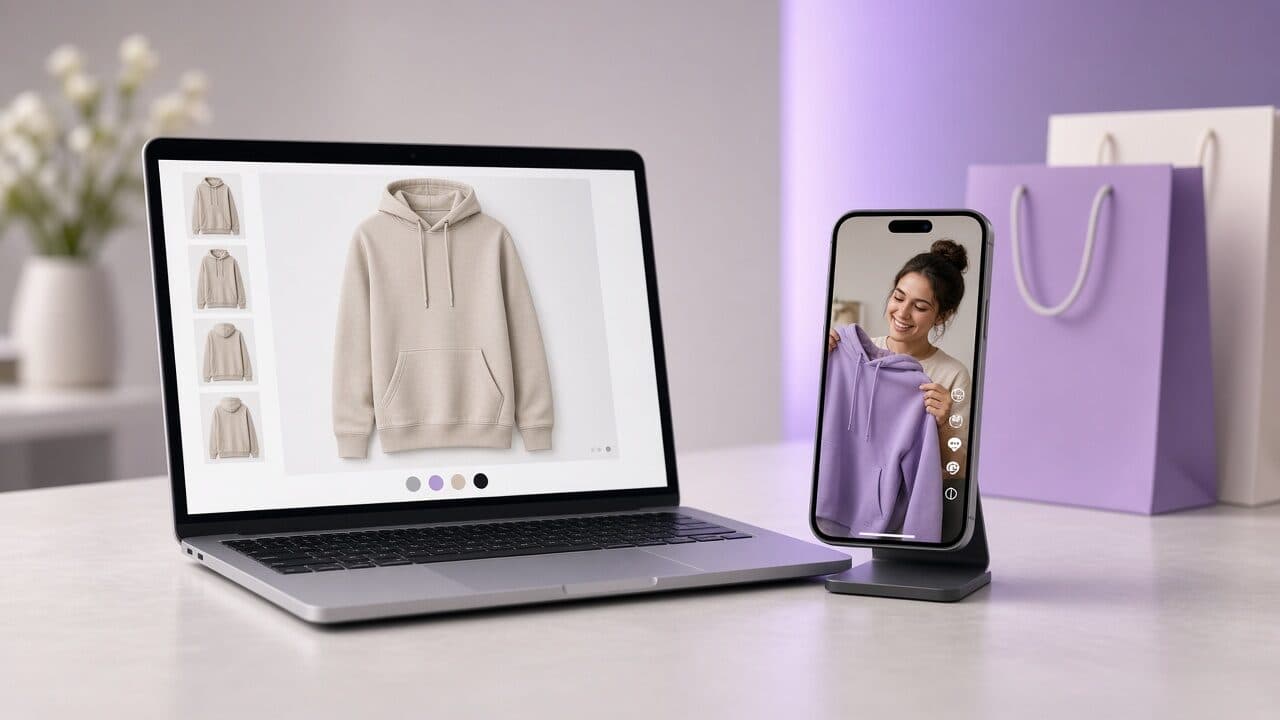
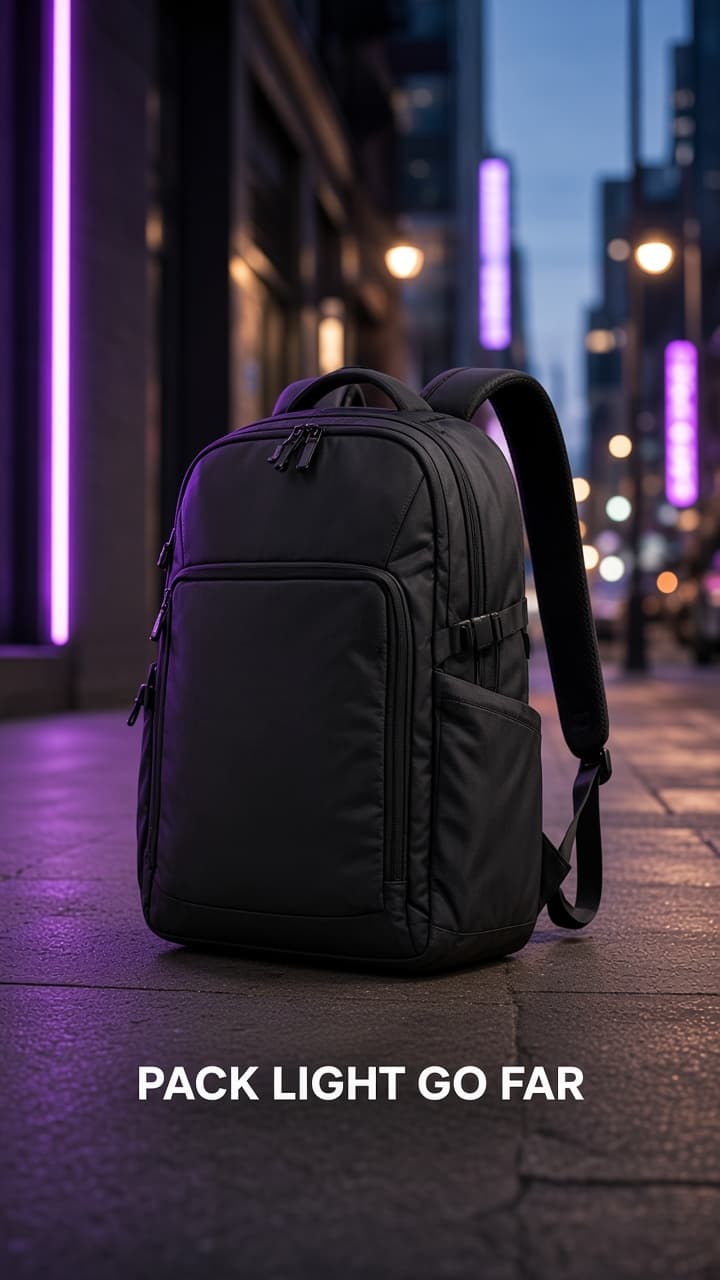
Open the product detail page and treat it as the brief. The hero image becomes the input photo for your product photo to video ads. The title tells you the product name and category. The bullet list shows the benefits you already claim, and the reviews show the language customers use to describe the problem, which is better hook material than anything you will write from scratch.
Read the three- and four-star reviews as well as the five-star ones. Five-star reviews give you praise; middle reviews reveal the objections that new buyers will have, such as sizing, durability or setup. An ad that answers the most common objection in the first line often outperforms one that repeats the praise.
Only use claims that your page already supports. Matching the ad's promise to the page text is both safer for ad review and better for conversion, because the visitor sees the same idea they just heard.
Product page to brief (apparel example)
- Photo: front-on hero image of the hoodie, plain background
- Title: Heavyweight Zip Hoodie, Charcoal
- Page benefit used: 450gsm fleece that keeps shape after washing
- Review language: “Doesn’t pill or shrink after many washes”
- Objection from a 3-star review: “Runs a bit large”
- Hook A (objection): “Sizing question first: it runs slightly large, so size down if you like it fitted.”
- Hook B (proof): “Most hoodies lose their shape after a few washes. This one is 450gsm fleece.”
- CTA: “Free returns if the fit isn’t right. Tap Shop Now.”
Prioritize which SKUs get video first
Do not try to cover the whole catalog in week one. Start where video is most likely to pay back. A simple prioritization is to rank products by a mix of margin, existing traffic and conversion rate on the page, then begin with the ones that already get visits and convert acceptably but are not yet supported by strong creative.
Products with healthy margin deserve first access because they can afford a testing budget. Products with solid conversion but weak traffic are ideal, because they are proven on the page and only need more of the right visitors. Skip products with poor conversion until you fix the page; creative just buys you more clicks to a page that does not close.
Keep the first wave small, around three to five SKUs. That keeps your testing budget concentrated, and you get readable results rather than thin data spread across the catalog.
- Tier 1: best margin plus proven page conversion; test first.
- Tier 2: good conversion, low traffic; add video to grow volume.
- Tier 3: seasonal or launching items; schedule video ahead of the peak.
- Hold: weak page conversion or stock problems; fix before advertising.
A weekly creative cadence that fits a small team
Consistency beats intensity. A light, repeatable cadence works better than a heavy launch once a month, because it keeps fresh creative arriving before the old creative tires. The weekly schedule below takes a few hours for one person and scales by adding SKUs, not by adding meetings.
Review on a fixed day and decide in advance what counts as a winner and a loser. If you evaluate in the middle of the week on a hunch, you will cut ads before they have enough data and keep ones that are only lucky.
Weekly rhythm
- Monday: review last week’s data; list winning hooks and losing hooks per SKU.
- Tuesday: write 3 new hooks per priority SKU (one problem, one result, one objection).
- Wednesday: generate and review videos; check product accuracy, captions and the claim against the page.
- Thursday: upload and launch with equal budgets in a testing campaign.
- Friday: check delivery only; do not make decisions on one or two days of data.
- Next Monday: promote winners to the scaling campaign and retire losers.
Connect the videos to Meta and TikTok
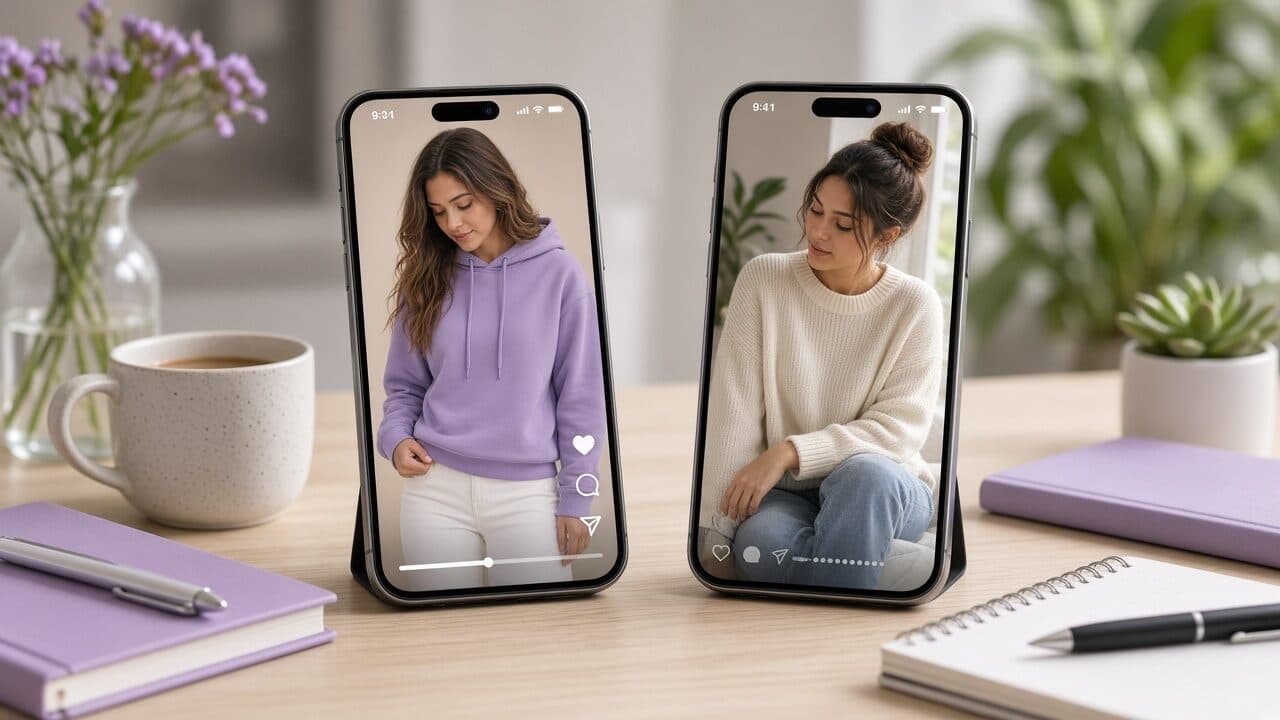
The same 9:16 file can run on Meta Reels and Stories and on TikTok, but the surrounding setup differs. On Meta, keep a dedicated testing campaign separate from your scaling campaign so test noise does not disturb your best performers. Feed your Shopify catalog or product pages as destinations, and make sure your pixel or Conversions API events, especially add to cart and purchase, are firing correctly before you spend.
On TikTok, the audience expects more native, casual phrasing. Use the same body and offer but consider rewriting the hook in a more conversational voice. Make sure the TikTok pixel is installed on your Shopify store, with purchase events verified, so the platform can optimize toward real sales.
Name the ads using a consistent pattern that includes the SKU and hook angle. When results come back, you want to answer questions like “do objection hooks beat result hooks across all my SKUs?” and that is only possible if the naming is consistent.
Message match: make the ad and product page agree
Message match is the discipline of making the page repeat the promise that earned the click. If the ad opens with “this hoodie keeps its shape after washing,” the first screen of the page should reinforce that, not lead with a generic banner or a different benefit. Visitors decide in seconds whether they are in the right place.
Practically, that means a few small page changes for your top SKUs: put the ad's main claim in a bullet near the title, show the matching image first and make sure the price, shipping and returns line is visible without scrolling. If you are running several hooks for one product, your first-screen copy should work for all of them rather than favoring one.
A disconnect usually shows up as a good click-through rate with a poor add-to-cart rate. When you see that pattern, fix the page before you blame the video.
When you should still hire creators
AI UGC does not cover every need, and treating it as a total replacement leads to weaker ads. Hire real creators when the product needs a genuine demonstration, such as showing a stain actually lifting, a fit across body types, or how a food product tastes and looks when prepared.
Hire them when social proof from a real, recognizable person matters, for example in beauty, wellness or any category where trust is the main barrier. Also hire them when you have a proven angle and want a richer, more authentic version of it to scale.
The efficient pattern is to use AI to find the angles, then spend creator budget on those proven angles. You pay for certainty instead of paying to explore.
- Physical demonstrations: texture, fit, taste, before and after.
- Trust-heavy categories where a real person's credibility is the product.
- Proven angles worth a higher-production, human version.
- Brand collaborations and influencer whitelisting.
KPIs that tell you whether it works
Pick a handful of metrics and read them in order along the funnel. Start with hook rate, the share of impressions that watch the first few seconds, which tells you whether the opening works. Then look at click-through rate, which tells you whether the message and offer interest the right people.
Next look at cost per add-to-cart and cost per purchase, which tell you whether the traffic is qualified and whether the page converts it. Finally, compare blended results at the account level, not just platform-reported numbers, since attribution varies and you want to see whether total revenue and margin move.
Do not decide on a single metric. A video with a great hook rate and a poor purchase rate has a message-match or page problem. A video with a low hook rate and a good purchase rate among those who watch has a weak opening and a strong offer, so rewrite only the first line.
The 2026 Shopify AI UGC playbook, condensed
Put together, the system is short enough to follow without a team. It begins with picking SKUs, builds briefs from product pages, produces three hook variants per SKU each week, runs them in a testing campaign, and promotes winners while retiring the rest.
The compounding benefit is the data. After a couple of months you will know which hook types work for your customers, which presenters fit your brand, and which objections matter. That knowledge improves every future ad, including the ones you commission from creators.
Playbook summary
- 1. Rank SKUs by margin, traffic and page conversion; choose 3–5.
- 2. Build each brief from the product page: photo, benefit, review language, top objection.
- 3. Write 3 hooks per SKU: problem, result, objection.
- 4. Generate 9:16 videos; check accuracy, captions and claims.
- 5. Launch in a testing campaign at equal budgets on Meta and, optionally, TikTok.
- 6. Review weekly against pre-set cutoffs; promote winners.
- 7. Fix landing-page message match for your top SKUs.
- 8. Commission creators only for proven angles that need real demonstration.
Start with one SKU this week
You do not need to rebuild your ad account to try this. Pick the product with the best mix of margin and page conversion, write three hooks, and run them against your current best ad for a week.
If you want a straightforward way to produce those videos from your product photos, VELO Shorts is built for exactly that Shopify workflow, with 9:16 exports ready for Meta and TikTok. Run the test, read the numbers, and expand only if the data supports it. For the step-by-step production flow, follow our guide to making product video ads from one photo.
FAQ
Do I need a Shopify app to make AI UGC ads?
Not necessarily. The simplest workflow is to download your product hero image, generate the video in a standalone tool and upload the exported 9:16 file to Meta or TikTok. Apps can help if you want catalog syncing, but they are not required to start testing.
How many ads per product should a Shopify store run?
Start with three hook variants per priority product, sharing the same offer, then add more once you see which angle wins. Running dozens of variants on a small budget spreads data too thin to read.
Will AI UGC work for every product category?
It works best for products where a presenter can explain a clear benefit, such as apparel, accessories, drinkware, electronics and snacks. It is weaker for products that rely on a physical demonstration or on a real person's credibility, where creators are the better choice.
What if my ad gets clicks but no sales?
Look at message match and the page before the video. If the ad's promise is not visible on the first screen of the product page, or price, shipping and returns are hard to find, visitors leave. Fix the page for your top SKUs and watch whether add-to-cart rate recovers.
Is it safe to run AI UGC on Meta and TikTok?
Yes, as long as your ads follow each platform's policies on claims and restricted categories and you use AI-content labels where the platform requests them. Keep claims aligned with your product page and avoid fabricated testimonials or reviews.